

Audio Description or Voice Over: 3 Questions Producers Must Ask
Audio description is neutral, accessibility-focused narration that fits into dialogue pauses to describe visual details for blind or low-vision viewers. Voice over is broader narration used for ads, character work, e-learning, and storytelling. Choose audio description when a video's visual content carries meaning that would otherwise be lost; choose voice over for scripted, audience-facing content. You can find talent for either job on various online platforms.
TL;DR:
- Audio description is essential for videos with visual content that conveys meaning, especially to meet accessibility quotas and benefit diverse audiences.
- It requires neutral, factual narration inserted into existing pauses, usually delivered on a separate audio track, and can be produced using human describers or AI tools.
- Voice over is broader, more emotive narration used for ads, storytelling, and educational content, often mixed directly into the program without pauses.
- Clear briefs with timecoding for AD or script and tone references for VO help ensure accurate production, avoiding the common mistake of interchanging the two.
- Talent with specific experience in audio description should be prioritized to meet legal and quality standards effectively.
Table of Contents
- Audio Description vs Voice Over: Definitions and Key Differences
- When Should You Use Audio Description Instead of Voice Over?
- How Audio Description and Voice Over Are Produced Differently
- What Accessibility Standards Govern Audio Description?
- How Voice Talent Roles Differ Between AD and VO Work
- How to Request Audio Description or Voice Over Correctly
- Why Producers Confuse Audio Description with Voice Over
- Get the Right Talent for AD or Voice Over Projects
- Sources
Audio Description vs Voice Over: Definitions and Key Differences
Audio description, sometimes called described video or video description, is narration inserted into the natural pauses of a program to convey action, settings, costumes, and on-screen text that a blind or low-vision viewer can't otherwise access. Describers speak in a neutral, observational tone. The American Translators Association notes that AD is distinct from subtitling and dubbing because it adds new narration rather than translating existing dialogue.
Voice over covers a much wider category: commercials, character narration, corporate training, IVR prompts, audiobooks. It's written to persuade, entertain, or inform, and delivery is emotive or conversational depending on the brief.
The practical differences:
- Purpose: AD fills accessibility gaps; VO drives a message or story.
- Timing: AD is squeezed into existing silences; VO often dictates its own pacing.
- Tone: AD stays objective and factual; VO ranges from warm to punchy to authoritative.
- Script origin: AD scripts are written from the finished footage; VO scripts exist before recording.
- Track placement: AD usually lives on a separate audio track; VO is typically mixed directly into the final program.
When Should You Use Audio Description Instead of Voice Over?
Order audio description when a broadcaster has a described video quota to meet, when training footage shows a process with no spoken explanation, or when a streaming release needs to meet accessibility expectations. AD also benefits a wider group than most people assume. Research on the inclusive potential of audio description shows it benefits language learners, older viewers, people with cognitive disabilities, and anyone consuming media eyes-free.
Voice over fits ads, promos, character-driven pieces, and most e-learning modules where the visuals are already explained in the main script.
Three quick questions decide it:
- Does the video contain visual information a listener would otherwise miss?
- Is this content covered by a broadcast or platform accessibility requirement?
- Is the goal to persuade or entertain rather than to describe?
Pro Tip: If you answer "yes" to the first two questions, order AD first. You can always add a standard VO track for marketing later.
How Audio Description and Voice Over Are Produced Differently
Audio description usually ships as an alternate audio track so viewers can toggle it on or off, while voice over gets mixed straight into the final program. When a scene doesn't have enough silence for a full description, producers use extended AD, which pauses the video itself to fit the narration in. Standard AD sticks to existing gaps.
- Separate track vs. integrated mix
- Extended AD (paused video) vs. standard AD (existing pauses only)
- Ducking and level adjustments during final mixing
- Deliverables: WebVTT or timed text where the player supports it
A studio experienced in mixing and ducking, like ZenViewStudios, can matter here, since a poorly mixed AD track buries dialogue or drowns out ambient sound. AI-generated AD is faster and cheaper per minute, but the ATA warns it can sound robotic, and human describers still win when nuance and pacing matter. Availability also depends on whether a described asset was even produced for that specific release. Not every platform stores one.
What Accessibility Standards Govern Audio Description?
The W3C's Web Accessibility Initiative defines audio description under WCAG success criteria 1.2.3, 1.2.5, and 1.2.8, covering both standard and extended AD for prerecorded synchronized media. That's the baseline reference if you're building for web compliance.
Broadcast regulators add their own layer. The CRTC requires Canadian broadcasters to carry quotas of described video programming and promote its availability. In the United States, Section 508 sets federal accessibility requirements that commonly reference AD for government-related media.
- WCAG 1.2.3/1.2.5/1.2.8 for web and app content
- CRTC quotas for Canadian broadcast channels
- Section 508 for US federal accessibility compliance
- Industry guidance from groups like the ATA and university accessibility offices
Whether AD is mandatory or just recommended depends entirely on your jurisdiction, platform, and content type. Check the rule that applies to your specific market before assuming either way.
How Voice Talent Roles Differ Between AD and VO Work
A describer's job is to disappear. Harvard's accessibility guidance recommends present-tense, third-person, objective wording, because an overly emotive read can distort the director's intent. A voice over actor does the opposite: they're hired specifically to bring personality, humor, or gravity to a script.
- Casting for AD: clarity, steady pacing, ability to hit tight timing windows
- Casting for VO: vocal range, tone matching, brand fit
- AD scripts avoid interpretation; VO scripts lean into audience connection
Pro Tip: Ask any candidate for a describer role to narrate a short clip of your actual footage before you book them. Reading a generic demo reel tells you nothing about their timing on your specific pauses.
How to Request Audio Description or Voice Over Correctly
A clean brief saves both time and rework.
- For AD: provide timecoded video, notes on any on-screen text, and how much detail you want (a quick summary versus full scene description).
- For VO: provide a final script, reference clips for tone and pacing, your target audience, and the usage rights you need.
- For both: confirm turnaround time, file format, and budget range upfront so quotes come back accurate the first time.
Thinking through your video's script before production, so on-screen text and context get spoken aloud naturally, can shrink or eliminate the need for a separate AD pass entirely.
Why Producers Confuse Audio Description with Voice Over
The most common mistake I see is a client ordering a standard voice over when the project actually needed a trained describer, then wondering why the accessibility review fails. AD and VO both put someone at a microphone, but the skill set, script structure, and legal expectations are different enough that treating them interchangeably wastes budget.
Some platforms list talent by category, allowing you to filter specifically for describer experience rather than guessing from a general demo reel. Whatever you order, get a sample read on your own footage before you commit. A generic reel tells you nothing about how someone handles your actual pauses.
— Onur
Get the Right Talent for AD or Voice Over Projects
Once you know which service your project needs, the next step is finding someone who's actually done that work before, not just someone with a nice voice. Some platforms offer a pool of vetted performers filterable by category, language, accent, and budget to help you find a describer with the right pacing.
Browse the voice artist directory and filter for describer or narration experience, or run your project through the pricing calculator to get a realistic budget range before you post a brief. If you're weighing a machine-read description against a human one, the AI vs human comparison lays out the trade-offs plainly. Whichever route you choose, mention "audio description experience" explicitly in your request. It's the single detail that keeps you from getting a generic voice over actor when you actually needed a trained describer.
Sources
- Description of visual information | Web Accessibility Initiative (WAI) | W3C
- CRTC broadcasting accessibility guidance (example)
- What Is Audio Description? - American Translators Association (ATA)
- Audio description for videos | Digital Accessibility Services (Harvard)
- Inclusive potential of audio description — academic analysis
Recommended
Need a voice over for your project?
Browse 1,500+ professional voice artists in 50+ languages, hear real demos and get instant word-based pricing on VoiceBros.
Related Posts
 General
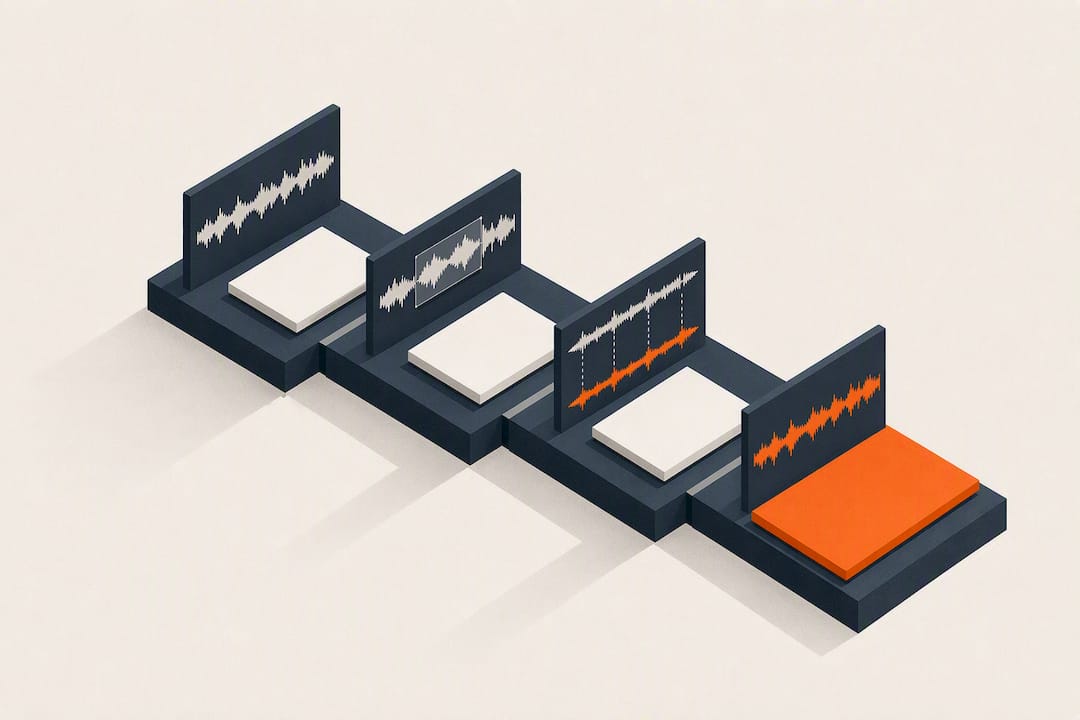
Ship Clean Dubs Fast: 4 Lip Sync Dubbing Steps for Producers
A producer's guide to lip sync dubbing. Use four production stages: adaptation, casting, directed recording, and mixing to avoid visible sync errors and...
 General
Recruiters: Test Male vs Female Voices in a Day With 1,500+ Actors
Choose male vs female voices with a research backed audition in one day. Hire from 1,500+ vetted actors via VoiceBros.
 General
Creators: When to Use Subtitles vs Dubbing for Reach or Immersion
Decide whether subtitles or dubbing suit your next video. Learn how accessibility, Gen Z sound off habits, budget, platform, and turnaround should steer...
VoiceBros Team
The VoiceBros team is dedicated to providing high-quality voice over services and industry insights. With years of experience connecting voice artists with clients worldwide, we're passionate about helping you find the perfect voice for any project.
Back to Blog →